How to Build AI Workflows with Claude Code (Even If You're Not Technical)
My writing process used to be messy.
I'd start with a brain dump of everything that was swirling in my head. Then I would try to structure it into an outline. But I often lost patience with that. So I'd just start writing.
Then I'd realize I didn't know where I was going, so I'd stop and return to the outline. It was a bit of a tortured process as I went back and forth between writing and outlining.
But now things look different. When I get stuck, I don't start writing. I ask Claude for help.
Claude reviews my outline and helps me fill in gaps. It often suggests things that I don't like. This is good. It helps me figure out the core of what I want to say. Instead of writing my way to what I think, I discuss my way to what I think.
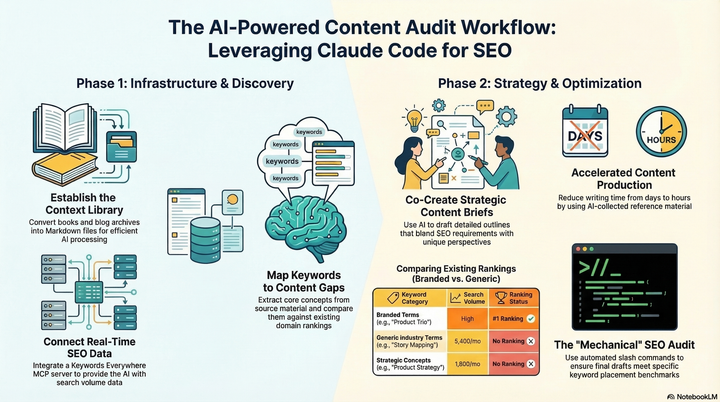
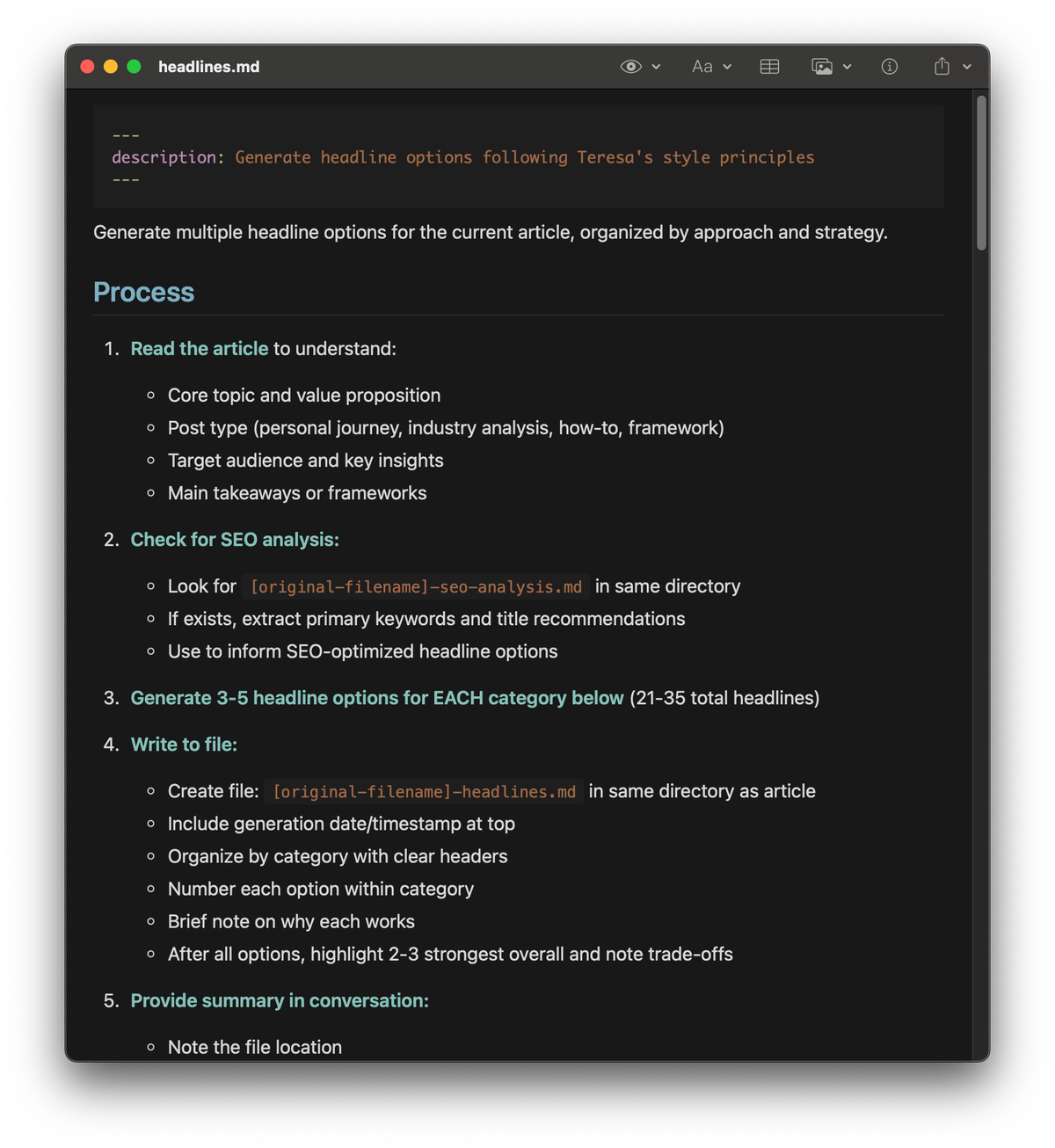
But Claude isn't just a sounding board. I also use it to help me brainstorm headlines, explore outline alternatives, critique each section as I write, conduct supporting research, act as my thesaurus and dictionary, make SEO recommendations, and so much more.
As a result, I am writing way more.
But I didn't design this workflow in one sitting. I did it iteratively. It all began when I started asking, "How can Claude help with this?"
You might remember this question from last week. If you haven't been following along, I'm deep in a series about Claude Code and how it helps me work better.
This article is the fifth in that series. Be sure to check out the other articles:
- Claude Code: What It Is, How It's Different, and Why Non-Technical People Should Use It
- Stop Repeating Yourself: Give Claude Code a Memory
- How to Use Claude Code Safely: A Non-Technical Guide to Managing Risk
- How to Choose Which Tasks to Automate with AI (+50 Real Examples)
- How to Build AI Workflows with Claude Code (Even If You're Not Technical)
- How to Use Claude Code: A Guide to Slash Commands, Agents, Skills, and Plugins
- Context Rot: Why AI Gets Worse the Longer You Chat (And How to Fix It)
Last week, I shared how I choose the workflows to automate (or augment) with AI. This week, we'll dive into how to design personal AI workflows. I'll use my own writing workflows to illustrate the main steps. But I encourage you to follow along with your own ideas.
You'll notice that designing AI workflows looks a lot like designing product solutions. In fact, we'll rely on the discovery habits to help us get there.
I have not received any compensation from Anthropic for writing this series. And you can trust that if that ever changes, I will disclose it. This is not only required by the FTC here in the US, but I strongly believe it is the right thing to do. You can count on me to do so.
Map Out What You Do to Complete the Task
Once you've identified the AI workflow you want to create, start by mapping out exactly what you do to complete the task when you do it yourself.
If you find this challenging, you might need to do the task yourself a few more times and make note of each step as you do it.
Here's what I do when I write a blog post:
- I choose a topic.
- I write down everything I can think of related to that topic.
- I structure it into an outline.
- I do some research to fill in gaps.
- I write each section.
- I edit each section.
- I think about SEO tactics.
- I brainstorm headlines.
- I decide what images to add.
- I send it to my editor.
If this looks a lot like story mapping, that's because it is. Rather than mapping out what a customer has to do to get value from our solution, we are mapping out what we do to complete a task.
And it has similar benefits. It allows you to see exactly what needs to happen and allows you to start asking, "Where can AI help?"
From here, we are going to:
- Choose one step to automate or augment with AI
- Decide on the right automation (or augmentation) strategy: code vs. LLMs
- Prototype our first workflow with detailed instructions to guide you every step of the way.
- Test and iterate on our workflows.
My goal is to give you enough guidance that you can follow along and end with a draft of your first AI workflow.
Product Talk is a reader-supported publication. The rest of this article is for paid subscribers. If you'd like to keep reading, please subscribe.