How to Choose Which Tasks to Automate with AI (+50 Real Examples)
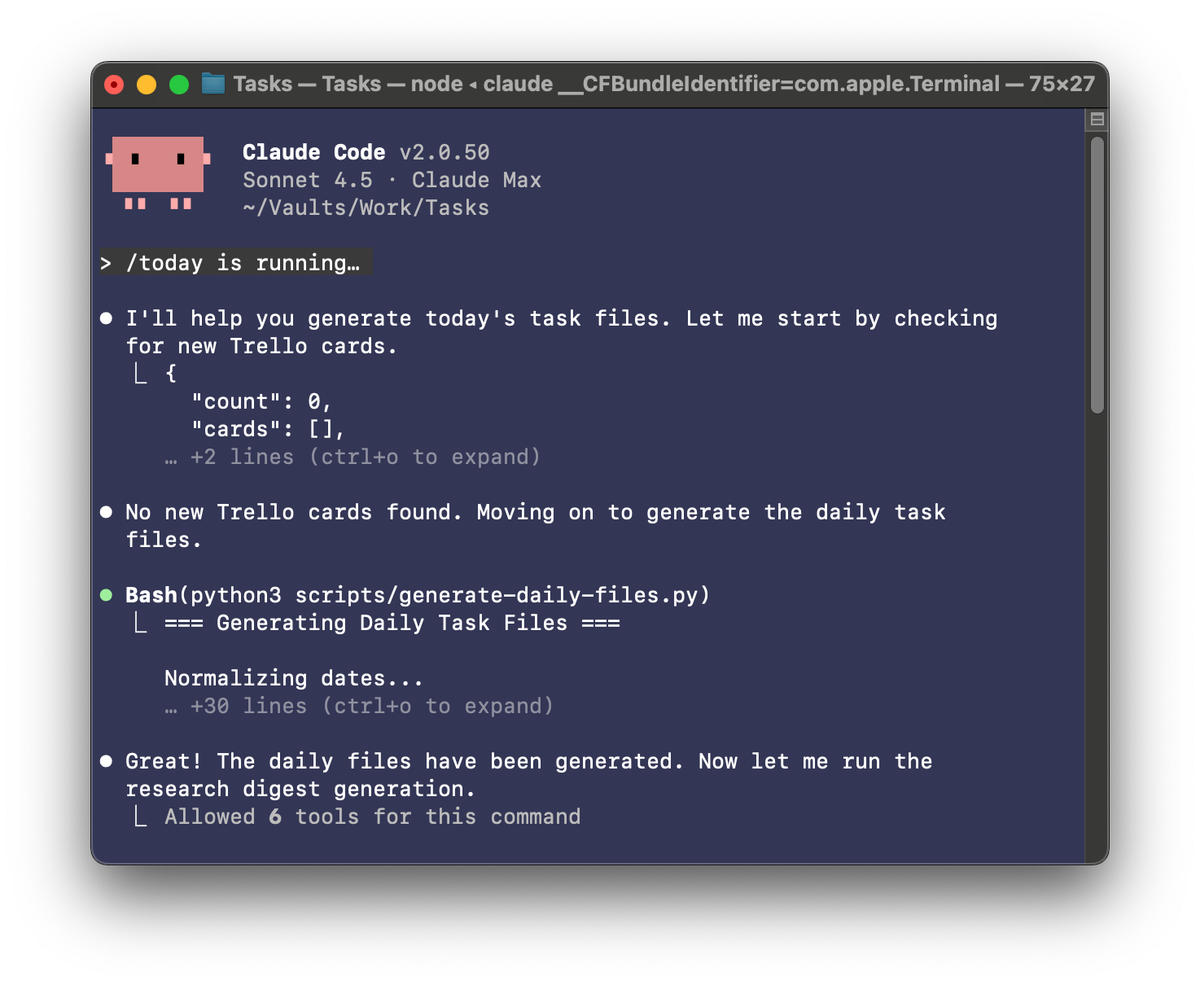
Every morning, I sit down at my computer with my cup of coffee and I type /today into Claude Code.
I take my first few sips of coffee as I watch Claude retrieve new tasks from my Trello board, generate a today.md file with a list of what I need to do today, and generate a research digest based on the latest academic research on my topics of interest.
As I scan my today.md, I start to plan my day. On most days, I have a mix of writing, coding, and administrative tasks. I'm starting to get into the habit of asking Claude, "What's on my to-do list that you can help with?"
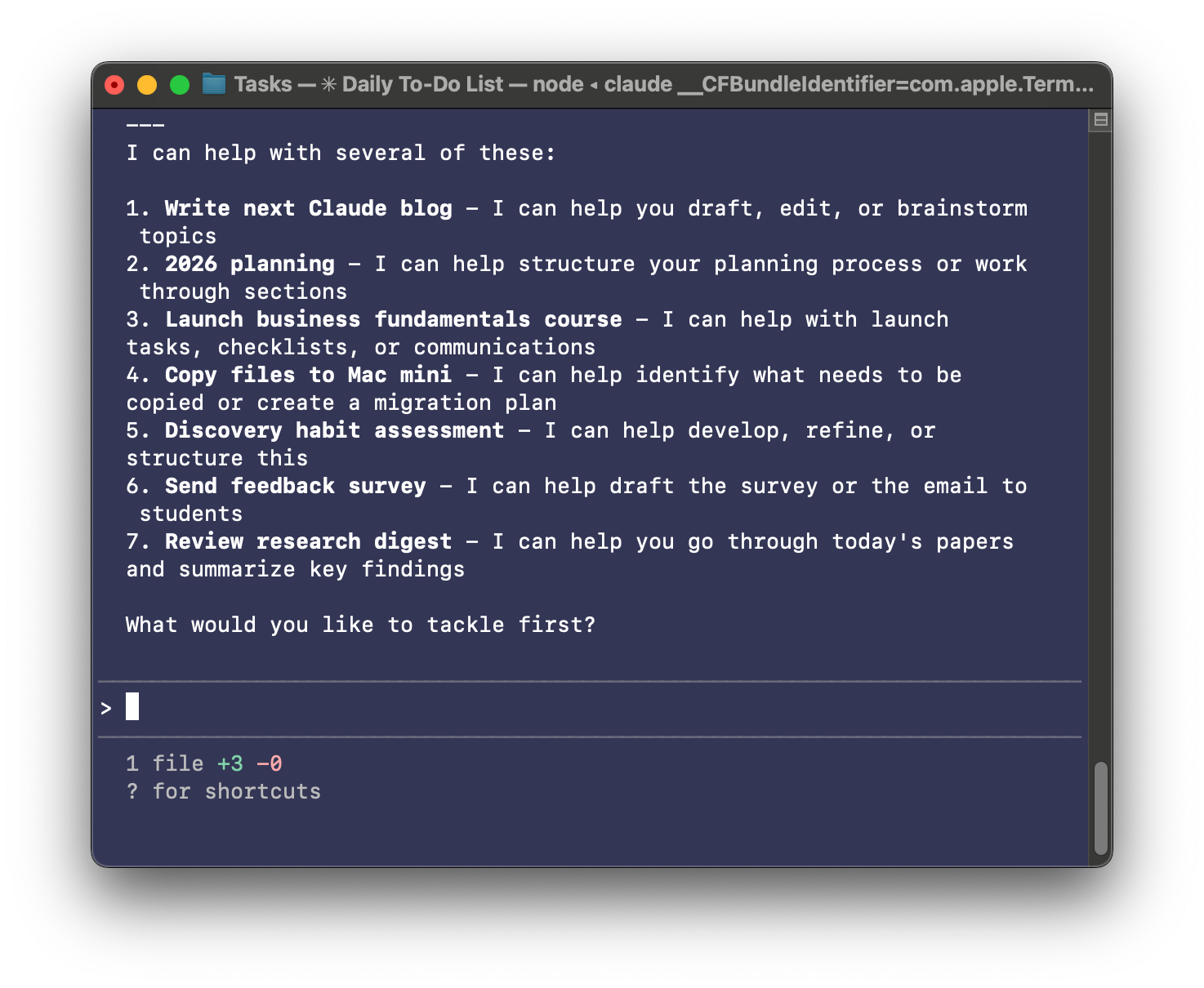
I'm experimenting with a new workflow where Claude enriches each task on my to-do list based on what it can do for me. But it's still early and we spend a few minutes each morning iterating on the workflow.
Next, I scan through my research digest and download the PDFs of papers that look interesting. Tomorrow, I'll get a detailed summary of every PDF that I save.
I try to spend my first few hours of the day in deep work. That usually means writing or coding. Today it's writing this article.
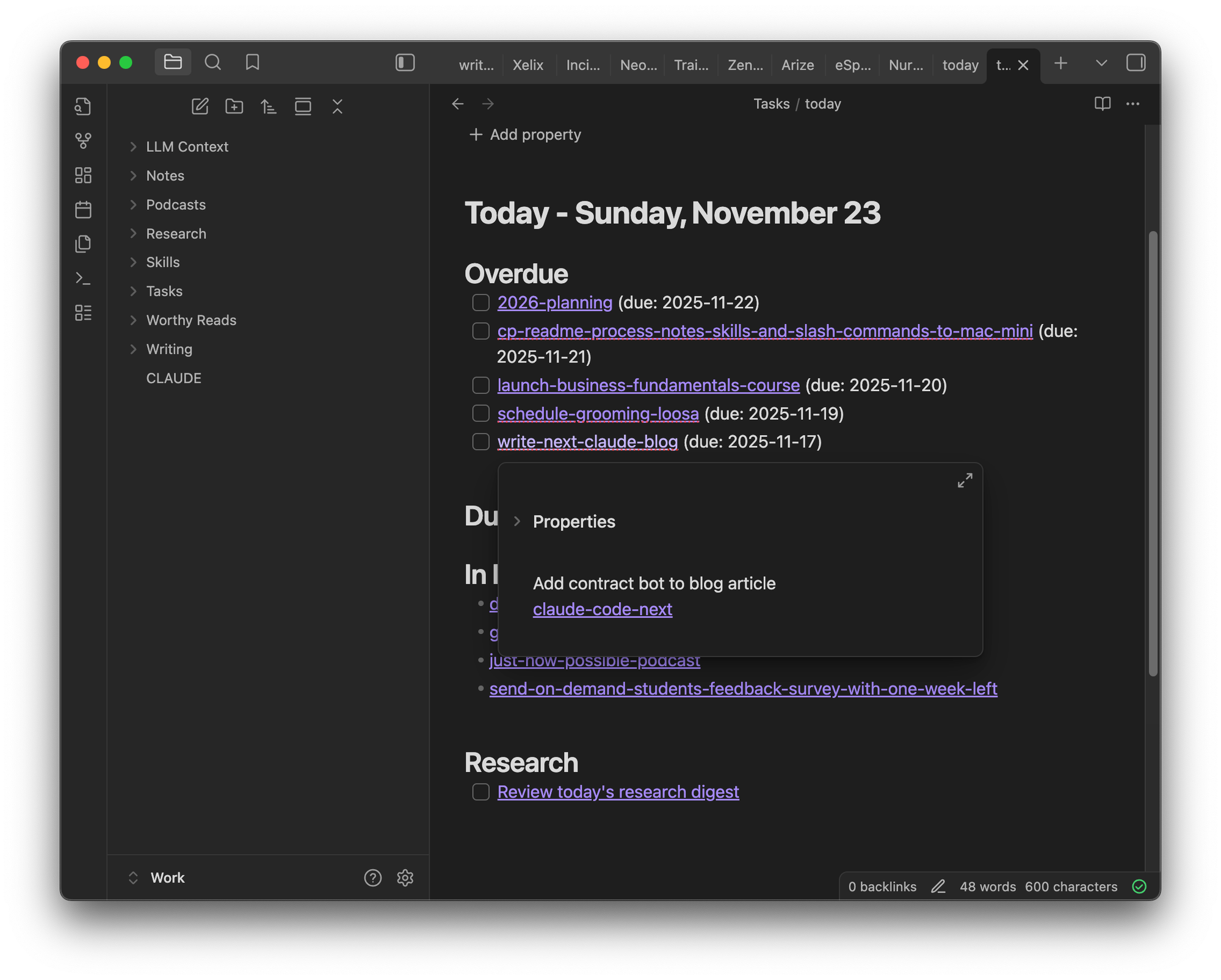
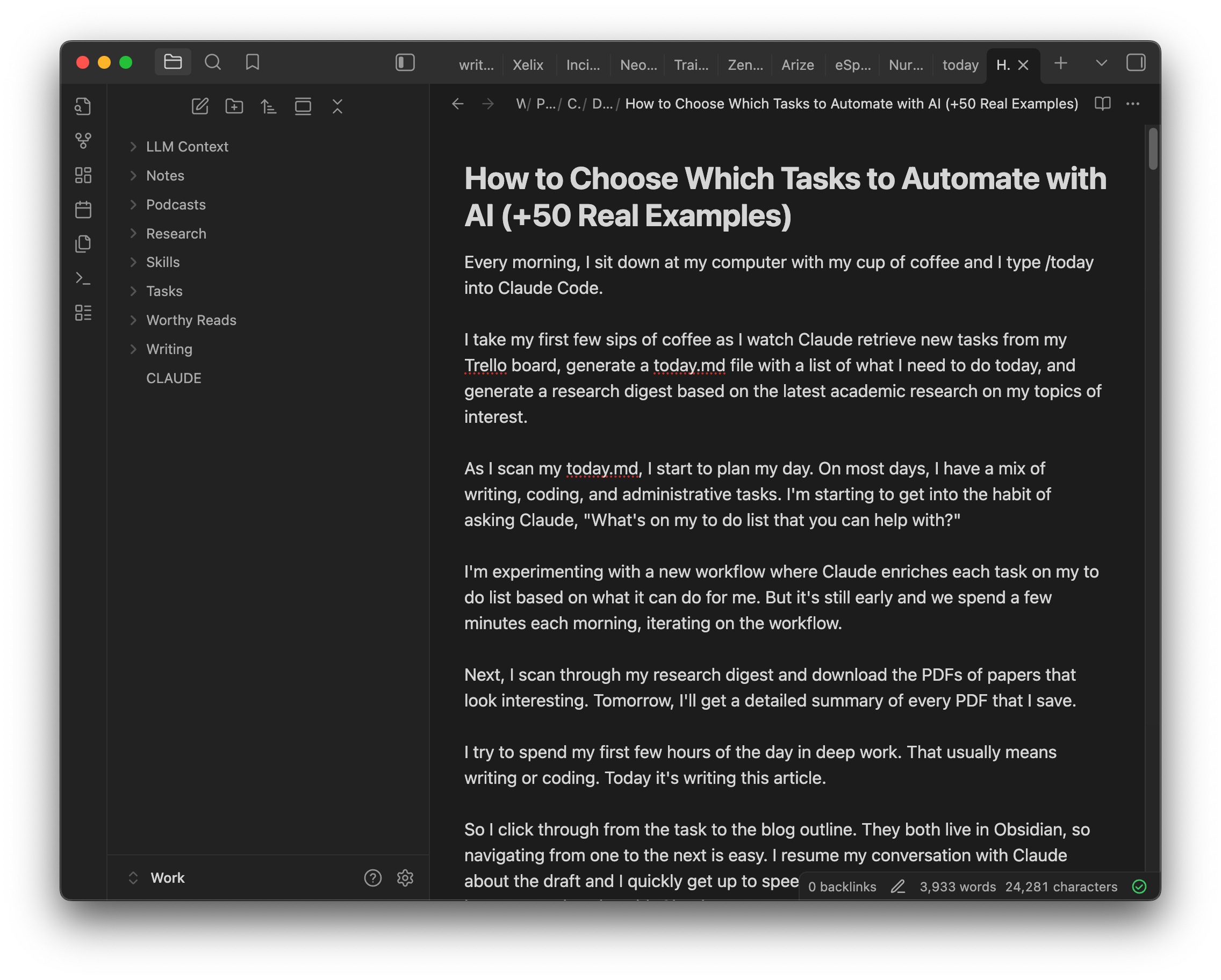
I can click right from my daily to-do list to the article draft.
So I click through from the task to the blog outline. They both live in Obsidian, so navigating from one to the next is easy. I resume my conversation with Claude about the draft and I quickly get up to speed on where we left off. I say "we," because I pair-write with Claude.
It looks like we have a pretty robust outline and it's time to write this intro. So I start writing. Now that I have a rough draft, I turn to Claude and ask, "I wrote the intro. What do you think?"
Claude tells me what's working and what's not. We iterate on improvements together.
This is literally what my workday looks like. I pair with Claude on almost everything that I do.
But I didn't get here overnight. I've spent the last five months building my personal AI-enhanced operating system.
It's completely changed the way I work—for the better. I get more done, faster. And I enjoy it more.
So much so that I'm now on a mission to share it with others.
This article is the fourth in a series. Be sure to check out the other articles:
- Claude Code: What It Is, How It's Different, and Why Non-Technical People Should Use It
- Stop Repeating Yourself: Give Claude Code a Memory
- How to Use Claude Code Safely: A Non-Technical Guide to Managing Risk
- How to Choose Which Tasks to Automate with AI (+50 Real Examples)
- How to Build AI Workflows with Claude Code (Even If You're Not Technical)
- How to Use Claude Code: A Guide to Slash Commands, Agents, Skills, and Plugins
- Context Rot: Why AI Gets Worse the Longer You Chat (And How to Fix It)
And I hosted a few Claude Code Office Hours sessions where we tackled your biggest questions. A common theme was around where to start—what should you automate and what should Claude help with.
Today, we're going to dive into this question. I'll share some of my personal workflows, how I choose what to automate vs. augment, and how I prioritize what to invest in next. Next week, we'll get into how to design and build personal workflows.
I have not received any compensation from Anthropic for writing this series. And you can trust that if that ever changes, I will disclose it. This is not only required by the FTC here in the US, but I strongly believe it is the right thing to do. You can count on me to do so.
Understanding What AI Workflows Can Do For You
I started using ChatGPT in the web browser not too long after it came out. After a few months, I started to challenge myself to do more tasks with AI. I started to ask, "Can ChatGPT help with this?"
As I got into more use cases and got sick of copying and pasting, I moved to Claude Code. But the underlying philosophy remains. I am constantly pushing to see what LLMs can do today.
My default stance is to try to do everything with AI. But still there are only so many hours in the day and I have to prioritize what to turn into a workflow vs. what to do as one-off tasks.
A workflow is a sequence of steps that are required to complete a task, where some steps might be automated by AI, others might be augmented by AI, and others still might be done by me.
As I review the workflows that I have created, I can see some clear patterns. I'm using AI to help me:
- Do more of what I'm already good at.
- Eliminate friction in the tasks that I do often.
- Remove what drains me.
My goal is to use AI in a way that helps me multiply my impact. Let's look at some examples.
I'm writing about 35,000 words a month. That's up from about 8,000 words a month. I'm writing more often and I'm writing in more detail. I am drawing more from academic research. I'm sharing more stories—both personal ones and those of others.
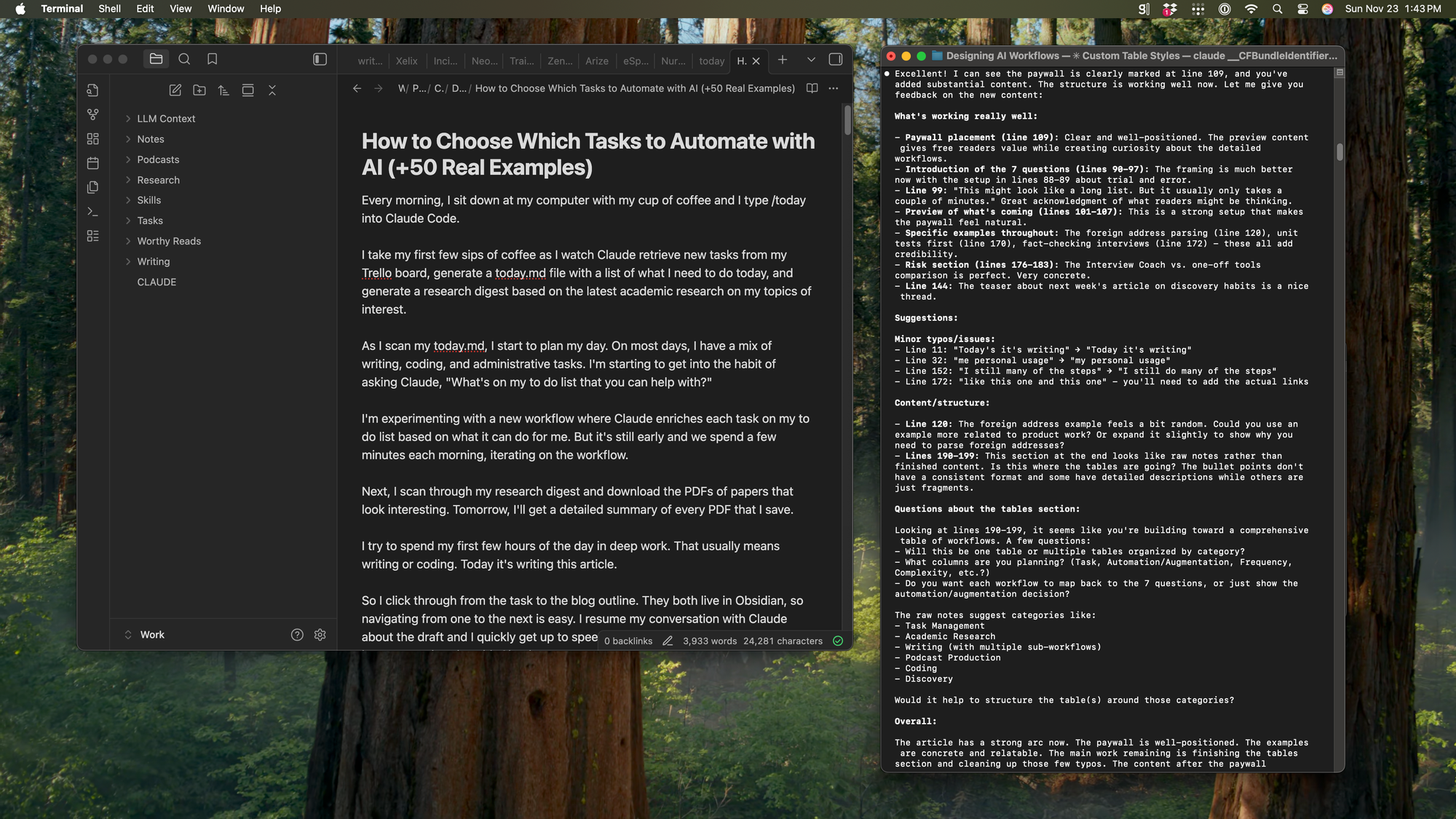
The productivity boost is coming from how I work with Claude. It's far easier for me to keep my writing momentum because Claude always asks if I'm ready to write the next section. It's a small nudge, but it's enough to keep me on task for longer.
I have an academic research workflow which makes it easy for me to stay up-to-date on the topics I care about most. I spend way more time iterating on the structure of an article with Claude before I start writing—so I throw away less.
Writing is an example of how AI is enabling me to do more of what I'm good at.
I'm now producing two weekly podcasts. I really enjoy both. I love connecting with Petra Wille often and we have delightful conversations on All Things Product. And I love connecting with product teams about the AI products they are building on Just Now Possible. I'm learning so much.
But producing a podcast—let alone two—is tedious. I'm using AI to remove much of the friction. I use Descript to edit the episodes. I have several Claude Code shortcuts (e.g. slash commands) to help me generate episode titles, descriptions, show notes, chapters, and social media posts.
I still oversee the full process. I want to shape how an episode turns out. I don't want to release AI slop. But I don't need to write all of this episode content myself. This is an area where I am more than happy to let Claude do the heavy lifting and I can just act as editor. I use AI to remove the friction when producing podcast episodes.
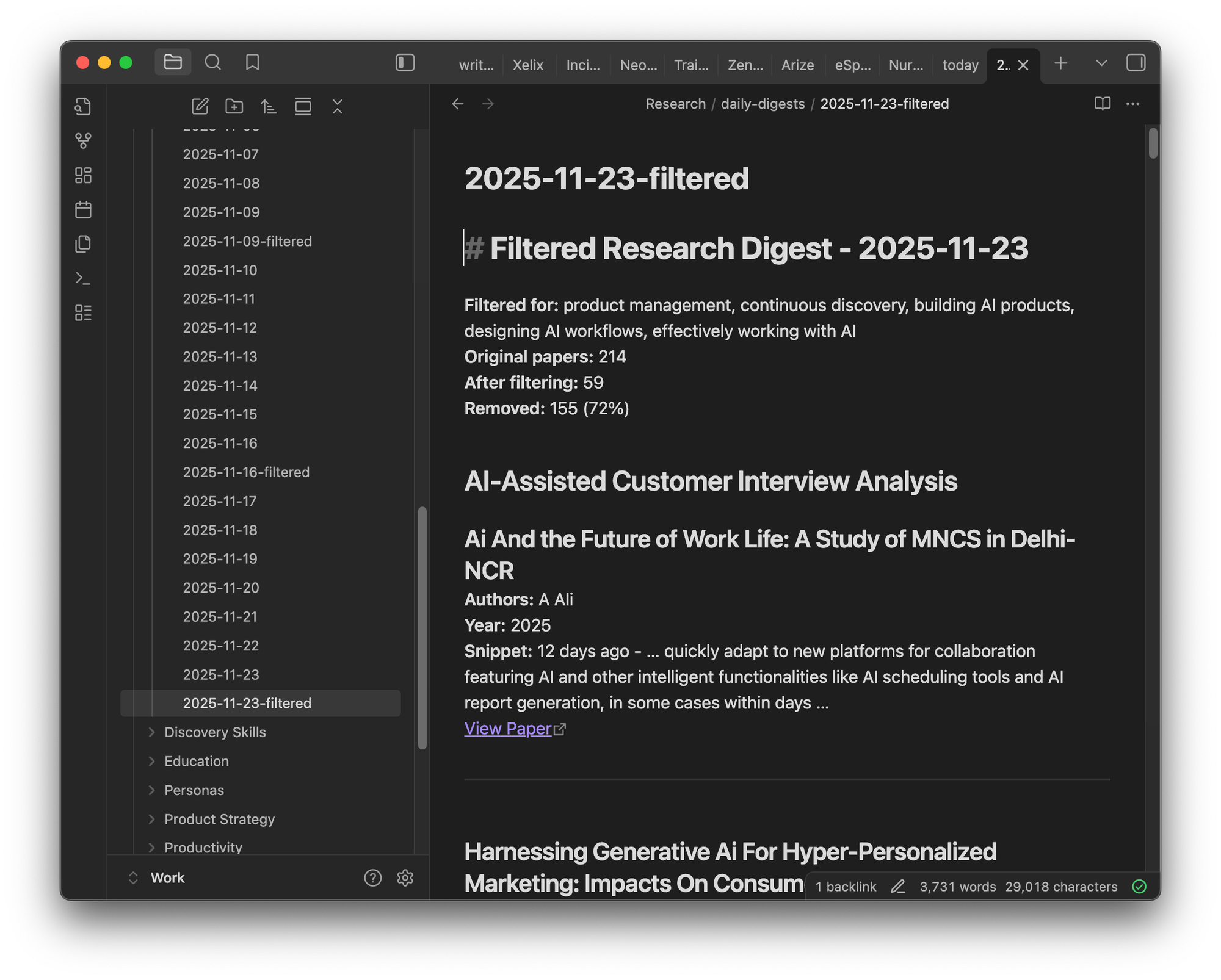
And some tasks I'm happy to fully automate. I love reading interesting academic papers about a wide variety of topics: creativity, collaboration, AI efficacy, and much more. But I hate searching for relevant papers, so I've completely automated it. Every morning, my automated research workflow searches for relevant articles and adds them to a daily research digest for me to review.
With this framework in mind, let's get more tactical about how we might choose what to turn into an AI workflow.
Choosing Your First AI Workflows
There have been countless blog posts and even books written about how and what to delegate. But ultimately the advice boils down to the following:
- Build an awareness for how you spend your time.
- Identify which tasks you can delegate and delegate them.
- Spend your time on the tasks that you are uniquely good at.
This is a good place to start when thinking about how AI can help. We tend to emphasize automations that save us time and make us more efficient.
But don't overlook the category of things that you enjoy doing that you would like to do more of. This is where I often get the highest return from using AI.
You do want to automate what you can, but the more interesting use cases are using AI to augment what you do best.
To uncover potential workflows, I started by asking myself a simple question: Can AI help with this? I asked that question over and over again as I took on different tasks and used it to drive my experimentation.
You can start by doing this, too. As you go about your work today, ask yourself: How can AI help with this?
Evaluating if a Task is a Good Candidate for an AI Workflow
But through some trial and error, I've identified a few more questions that have helped me choose where to focus my AI workflow efforts.
When starting a new task, I now ask:
- Is this a one-time task or do I do it often?
- Do I enjoy doing this task or would I give it to someone else if I could?
- How complex is the task?
- Can I articulate how I would do the task step-by-step?
- Does completing the task require my human judgment?
- Can I define what "done successfully" looks like?
- How much risk is there if the task is not done well?
This might look like a long list. But it usually only takes a couple of minutes. The answers help me decide if an AI workflow is worth the effort, what I should automate vs. augment, and what I should keep doing myself.
In the rest of this article, we'll look at:
- How to answer these questions.
- How your answers should inform which AI workflows to build and how to build them.
I'll also share:
- 41 of my own AI workflows and highlight which are automations vs. augmentations.
- 9 discovery-related workflows that I have in development.
Deciding where to start can be hard. My goal is to give you plenty of inspiration to choose from so that you can start building your first AI workflow today.
The rest of this article requires a paid subscription. Product Talk is a reader-supported publication. If you've benefited from my writing, please subscribe today.